Google Play 12 Testers Requirement: How to Pass Closed Testing
You built your app. You made your Play Console account. You are ready to publish. Then Google stops you. You must run a closed test first.
This rule surprises many new developers. The test lasts at least 14 days. It needs at least 12 testers. Many developers fail on the first try.
This guide explains the rule in simple words. You will learn what it is and how to meet it. You will also learn how to pass the production access form.
What Is the Google Play 12 Testers Requirement?
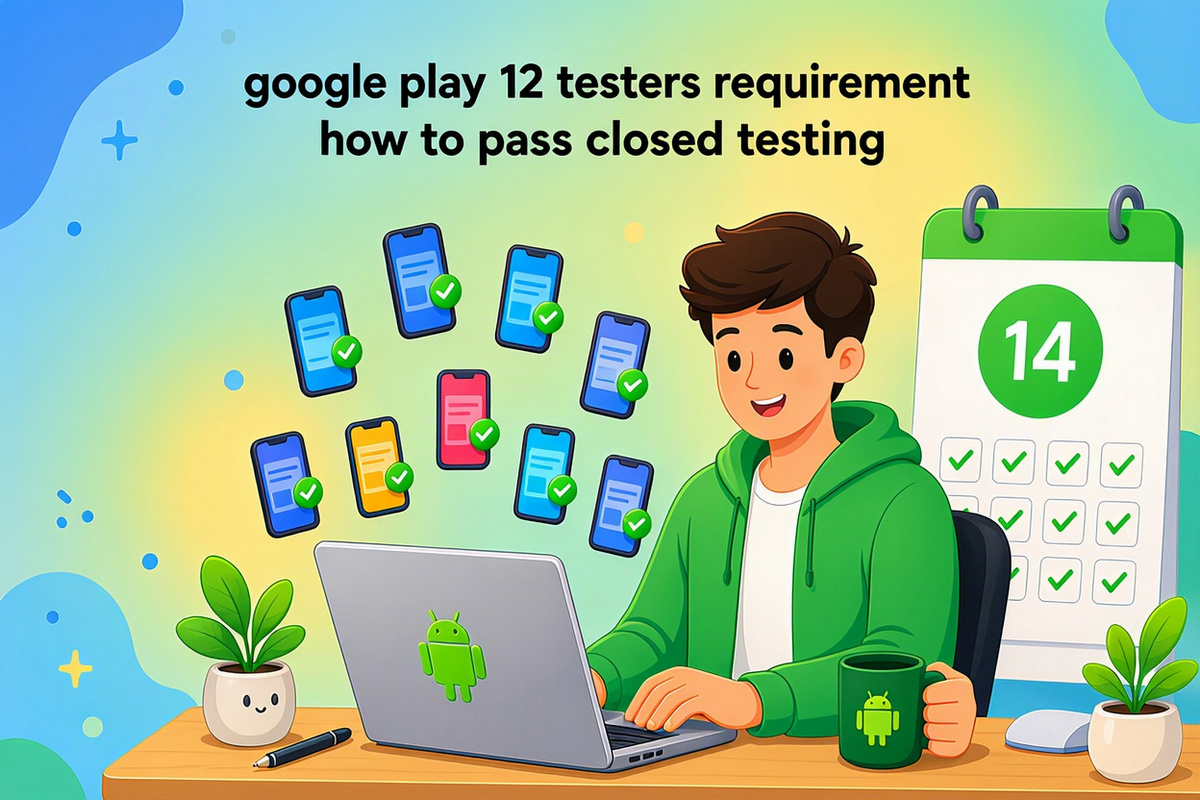
The 12 testers requirement is a Google Play rule for new personal developer accounts. Before you can publish an app to production, you must run a closed test. At least 12 testers must opt in to the test. They must stay opted in for 14 consecutive days.
After the test, you apply for production access in the Play Console. Google reviews your application. If Google approves it, you can publish your app to everyone.
Google has changed the number before. The rule first asked for 20 testers. Google later lowered it to 12. Check Play Console Help for the latest wording, because Google can update the rule at any time.
Who Must Follow This Rule?
The rule applies to new personal developer accounts. Google started it for accounts created after November 2023. Organization accounts often follow a different path.
Your Play Console shows exactly what applies to you. Open the Dashboard. It lists the tasks you must finish before you publish.
Why Does Google Ask for Testers?
Google wants better apps in the store. It wants developers to test with real people first. Real testing finds crashes, bugs, and poor design early. It also keeps out spam apps and rushed uploads.
The test also helps you. Real users find problems you miss. You fix them before launch. Your first public version then works better.
What Counts as an Active Tester?
An active tester does three things:
Opts in with your invite link.
Installs the app from Google Play.
Keeps the app installed and uses it.
A person who installs your app once and deletes it does not help you. A person who never opens it does not help much either. Google looks at real use. Pick testers who open your app often and send feedback.
How to Set Up Closed Testing: Step by Step
Step 1: Prepare your app. Fix crashes. Check that the app opens fast. Make sure it follows Google Play policies. Add a privacy policy if your app needs one.
Step 2: Create the closed testing track. Open the Play Console. Go to Testing, then Closed testing. Create a new track. Give it a clear name.
Step 3: Upload your build. Use an AAB file. Google Play requires an AAB for new apps. Add short release notes. Save the release.
Step 4: Add your testers. You have two choices. You can add a list of Gmail addresses. Or you can use a Google Group. A Google Group is easier. Testers join the group, and Google gives them access.
Step 5: Share the opt-in link. Play Console gives you a link. Testers open it and tap Become a tester. Then they install the app from Google Play. Do not send an APK file. Installs from outside Google Play do not count.
Step 6: Start the release. Send the release for review. Google must approve it before testers can install. This can take a day or more.
Step 7: Watch your numbers. Check your tester count in the Play Console every day. If the number drops, add new testers fast.
Step 8: Wait 14 days. Keep at least 12 testers opted in for the whole time.
Step 9: Apply for production access. Open the Dashboard and start the application. Answer every question with care.
Google Groups vs. Email Lists
A Google Group usually works better.
With an email list, you must type every address. Testers must send you their Gmail addresses. Many people do not want to share it with a stranger. Each new tester means more work for you.
With a Google Group, you share one link. Testers click Join. You set the group so that anyone can join. Then you add the group to your testing track. You never touch the emails.
Give the group a clear name. Use your app name plus the word testers.
How to Find 12 Testers
Many developers do not know 12 Android users. Here are the main ways to find them.
Friends and Family
Start here. Ask coworkers, classmates, and relatives. Tell them exactly what to do. Many people use iPhones, so you may find only a few. People also forget. Use this option as a base, not as your only plan.
Online Communities
Reddit, Discord, and Telegram have groups for developers. Subreddits such as r/TestersCommunity and r/AndroidAppTesters exist for this purpose.
Post a short, clear request. Say what your app does. Say what testers must do. Offer to test their apps in return. Read each group's rules first. Moderators remove posts that break them.
Mutual Testing Communities
In mutual testing, developers test each other's apps. You test theirs. They test yours. It costs no money. Every person also needs a test, so people tend to stay active.
Read the rules of each platform before you join. Make sure you give testers the same effort you expect from them.
Paid Testing Services
Some services supply testers for a fee. Prices and quality vary a lot. Some use real people. Others may use fake accounts or bots. Bots break Google's rules and can put your account at risk.
Learn how to check a provider before you pay. Our guide on how to evaluate a Google Play closed testing provider explains what to look for. You can compare options in our review of the best Google Play closed testing services. If cost matters most, see our list of affordable 12-tester services.
How Many Testers Should You Get?
Google asks for 12. You should aim for 20 to 30.
Some people drop out. Some uninstall. Some never open the app. A bigger group protects you. If three people leave, you still have enough testers.
What If Testers Leave?
Your count must stay at 12 or more for the full 14 days. If it falls below 12, your test may not qualify. Google can change how it handles this, so watch your count each day.
Replace any lost testers right away. Also tell every tester what you need before they start. Send one clear line: Please keep the app installed for 14 days. Message me if you have a problem. This one sentence prevents many uninstalls.
How to Keep Testers Active
Send a short welcome message with clear steps.
Ask testers to open the app each day.
Ask for feedback on one feature at a time.
Reply fast to every message.
Thank people in public.
Release small updates during the test.
Updates show that you care for your app. Fix the bugs your testers report. Then tell them what you fixed. People stay when they see that you listen.
Do not offer rewards for good reviews. Ask for honest feedback only.
A Simple 14-Day Plan
Days 1 to 2: Publish the test. Share the link. Start collecting testers.
Days 3 to 5: Reach 20 or more testers. Send your welcome message.
Days 6 to 10: Collect feedback. Push one or two small updates.
Days 11 to 14: Check your count. Fix remaining bugs. Draft your answers for the form.
Day 15: Apply for production access.
How to Apply for Production Access
After 14 days, the Play Console shows the application button on your Dashboard. The form asks about your app, your testing, and your plans. Google may ask you:
What your app does and who uses it.
How you found testers and how you ran the test.
What feedback you got and what you changed.
How you expect your app to grow.
Write clear and honest answers. Use real details. Do not copy a template. Say what your testers found. Say what you fixed. Name the updates you shipped.
Short, specific answers beat long, vague ones. Read each answer once more before you submit.
Why Google Rejects Production Access Requests
Many developers pass the test but fail the form. These are the common reasons:
The answers sound vague or copied.
Testers show little real use.
The app has bugs or policy problems.
The app looks unfinished.
The test shows signs of fake testers.
If Google rejects your request, read the message with care. Fix the problem. Then apply again. Our guide on what to do when Google Play production access is rejected walks you through the steps. If Play Console itself confuses you, see our page on Google Play Console testing assistance.
Mistakes to Avoid
Using only 12 testers with no buffer.
Sending the APK instead of the opt-in link.
Using bots or fake accounts.
Ignoring tester feedback.
Uploading a broken app.
Rushing the production form.
Starting the test with no plan.
Why Bots and Fake Testers Are Risky
Fake testers do not use your app like real people. Google builds systems to spot odd patterns. If Google finds fake activity, you may lose production access. In serious cases, you may lose your account.
Saving a few days is not worth that risk. Choose real testers every time. Real testers also give you real feedback, and that feedback makes your app better.
How Long Does the Whole Process Take?
Plan for three to four weeks. Setup takes a day or two. Finding testers takes two days to a week. The test takes 14 days. Google's review of your application often takes a few days.
Add extra time in case of a rejection. A second try takes more time, but many developers pass on it.
Quick Checklist Before You Start
Your app opens without crashes.
You have an AAB file.
You have a privacy policy, if needed.
Your Google Group is ready.
You have a plan to reach 20 to 30 testers.
You wrote a welcome message.
You know how you will track the count each day.
Frequently Asked Questions
How many testers does Google Play require?
Google Play requires at least 12 opted-in testers. They must stay opted in for 14 consecutive days. You should aim for 20 to 30 to protect yourself from dropouts.
How long is the closed testing period?
The closed testing period is 14 days. You apply for production access after it ends.
Do testers need to open the app every day?
Google does not share a daily rule. Testers must keep the app installed and use it. Ask them to open it often and send feedback. Real use helps your application.
Can friends and family be my testers?
Yes. They need Android phones and a Google account. They must stay opted in for 14 days. Most developers also need testers from other places.
Can I add more than 12 testers?
Yes. You should. Extra testers protect you if some people leave.
Does every developer need to do this?
No. The rule applies to new personal developer accounts. Check your Play Console Dashboard to see what applies to you.
What happens if Google rejects my application?
Read the reason in the message. Fix the problem. Then apply again. Many rejections come from weak answers or low tester activity.
Is it safe to use a paid testing service?
It can be safe if the service uses real people. It is risky if the service uses bots or fake accounts. Always check a provider first.
Final Thoughts
The 12 testers rule feels hard at first. It becomes easy when you plan. Set up your track. Build a group of 20 to 30 real testers. Keep them active for 14 days. Release small updates. Then answer the production form with honest, clear details.
Start today. Every day you wait is a day your app stays offline.