How to Choose the Best Google Play Closed Testing Service
Many new Android developers get stuck at the same step. Google Play asks for closed testing before you can publish your app. Finding testers for this step is hard.
This guide explains what a closed testing service does. It also shows how to pick a good one.
What Google Play Requires
Google has a rule for new personal developer accounts. If you created your account after November 13, 2023, you must run a closed test first. At least 12 testers must stay opted in for 14 days in a row. Only then can you apply for production access.
Finding 12 people is only part of the job. You also need to track who joined, collect feedback, and keep the test running without gaps.
What Is a Closed Testing Service?
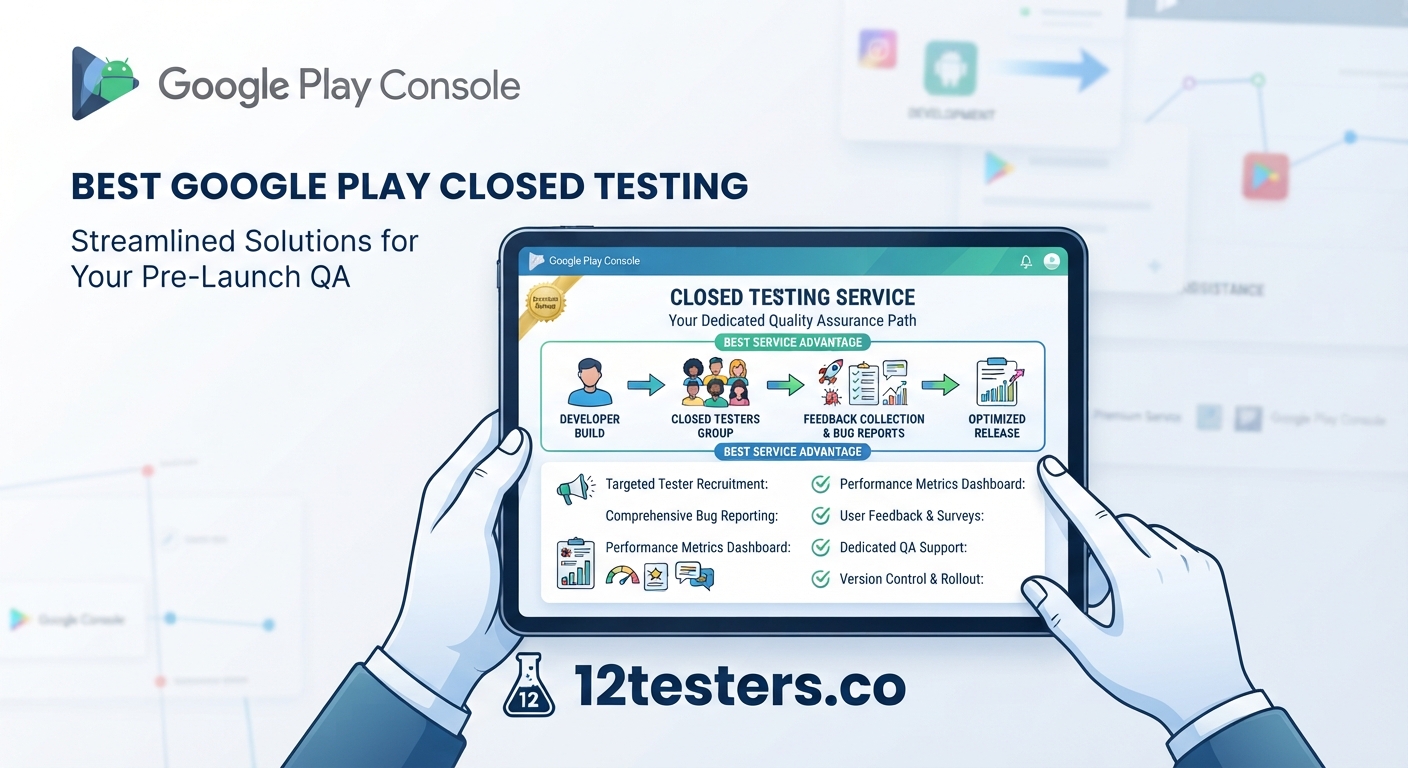
A closed testing service helps you run this process. Services differ, but many offer these things:
Tester recruitment and coordination
Opt-in instructions for testers
Testing on Android devices
Help with the 14-day timeline
Progress updates
Feedback collection
Answers to common questions
These services help developers who have no testing community. Solo developers, startups, and first-time publishers often use them.
One point matters a lot. A service can organize your tests. It cannot promise that Google will approve your app. Google makes that decision alone.
Why Developers Use These Services
Doing it alone takes time. Developers often face these problems:
Too few testers. Not everyone knows 12 people who will test an app.
Tracking opt-ins. You must watch each tester's status.
Confusing rules. The process feels unclear to new developers.
Weak feedback. Without a plan, you miss bugs.
Tight timing. The 14 days must run without a break.
A good service can take some of this work off your hands.
What to Look For in a Provider
Not all providers offer the same quality. Check these points before you buy.
Real Android Testers
Quality matters more than the number you see in an ad. Ask the provider how it finds testers. Ask if they use real Android phones. Ask how they give testers instructions.
Google suggests using testers who match your target users. It also suggests that testers explore your app's features. Your provider should support real use, not empty clicks.
A Clear 12-Tester, 14-Day Process
The provider must know the Google rule well. Ask these questions:
When does testing start?
How do testers get the app?
How do you track opt-ins?
What happens if a tester leaves?
How do you handle delays?
Clear answers show a clear process.
Real Device Information
Apps act differently on different phones and Android versions. Ask which devices the testers use. Ask if you get any device notes. Do not assume every provider tests for device problems. Many do not.
Good Support
Communication makes the process easier. A good provider offers:
Clear instructions
A set timeline
Fast replies
Progress updates
Help when problems come up
A provider should explain its process before you pay.
Feedback and Reports
Some providers send reports. Others only organize testers. Check what your package includes. Good feedback covers:
Navigation problems
Broken features
Hard-to-use screens
Speed issues
Ideas for new features
Pick the package that fits your needs.
How to Compare Providers
Use the same checklist for each provider.
Factor | What to look for |
|---|---|
Tester count | At least 12 testers |
Duration | 14 days of continuous opt-in |
Tester quality | Real Android users |
Devices | Clear device details |
Support | Fast, helpful replies |
Feedback | A clear collection method |
Price | Clear package details |
Promises | No approval guarantees |
Do not trust marketing alone. Ask questions. Look at what you actually receive.
How Much Does It Cost?
Prices vary. These things change the cost:
Number of testers
Length of testing
How the provider finds testers
Level of support
Feedback and reports
Extra services
Some providers sell a basic 12-tester package. Others add more support.
Ask these questions before you buy:
Does the package include 12 testers?
Does it cover all 14 days?
Do testers use real Android devices?
Is support included?
Do I get progress updates?
Are there extra fees?
What is the refund policy?
The cheapest option is not always the best. Look for fair pricing, good communication, and reliable work.
Warning Signs
Watch for these red flags.
Approval guarantees. No provider can promise production access. Google reviews each request itself.
Fake activity. Avoid services that offer fake testers or false records. Your test should use real people and real app use.
Unclear pricing. If a provider will not explain the package, be careful.
No support details. You need a way to reach the team.
Big promises. Claims of special access to Google are false.
A trustworthy provider explains what it does and what it cannot do.
Should You Find Testers Yourself?
You can do it either way. Here is a simple comparison.
Factor | Do it yourself | Use a service |
|---|---|---|
Cost | Can be free | Usually paid |
Recruiting | You do it | Provider helps |
Coordination | You manage it | Depends on package |
Feedback | You collect it | Depends on package |
Effort | More work | Less work |
Go alone if you have a developer community, friends who can test, enough time, or users from your target audience.
Use a service if you lack testers, want help managing the test, need a clear process, or prefer an established network.
Your budget, schedule, and app needs should guide your choice.
An Option to Consider: 12Testers
If you want a service built around the 12-tester, 14-day process, you can look at 12Testers. The team helps Android developers organize their closed tests. It works for solo developers, Flutter developers, startups, and first-time publishers.
The service focuses on:
Coordinating the 12 testers
A 14-day testing timeline based on Google's rules
Android tester participation
Support during the process
Review the package details first. Confirm what each plan includes. You can learn more at 12testers.co.
Remember that 12Testers helps organize testing. Google decides on production access, and no one can guarantee approval.
Prepare Before You Start
Choosing a provider is one step. Your app and Play Console also need to be ready.
App preparation
Build a valid Android App Bundle (AAB)
Test the main features
Check navigation
Fix major crashes
Finish the Play Console setup
Testing preparation
Create the closed testing track
Set up tester access
Write simple tester instructions
Share the correct opt-in link
Set up a way to collect feedback
Production preparation
Read tester feedback
Fix key problems
Check app stability
Write accurate answers for the production access form
Review Google Play policies
Good preparation helps you get more from the test.
Frequently Asked Questions
What is the best closed testing service?
It depends on your needs. Compare testers, price, support, coordination, feedback, and openness.
How many testers does Google require?
Personal accounts created after November 13, 2023, need 12 testers opted in for 14 days in a row.
Are these services worth it?
They can help if you struggle to find and manage testers. Check what you get and what it costs first.
Can a service guarantee approval?
No. Google reviews every request on its own.
Can I find 12 testers for free?
Yes. Ask friends, family, coworkers, developer groups, and online communities.
Do testers need real Android devices?
They need a compatible device to install your app from Google Play. Different devices can also reveal problems.
What if a tester leaves?
The 12 testers must stay opted in for the full 14 days. If the number drops below 12, you must meet the rule again.
Does finishing 14 days guarantee access?
No. Google also looks at engagement, feedback, app quality, and readiness.
To see why a service is worth choosing, it helps to know what Google requires for production access. You can also read how we evaluate providers to understand our ranking criteria, and check the pricing and plans to find the right fit. Worried about a second rejection? Here’s how to avoid rejection the next time you apply.
Final Thoughts
The best service is not the cheapest one. It is also not the one with the biggest tester list. Look for real testers, clear communication, good coordination, useful feedback, and fair pricing.
A good provider makes the process easier. Still, your app's quality matters, and Google makes the final call. Compare your options with care. Then pick the service that fits your needs.