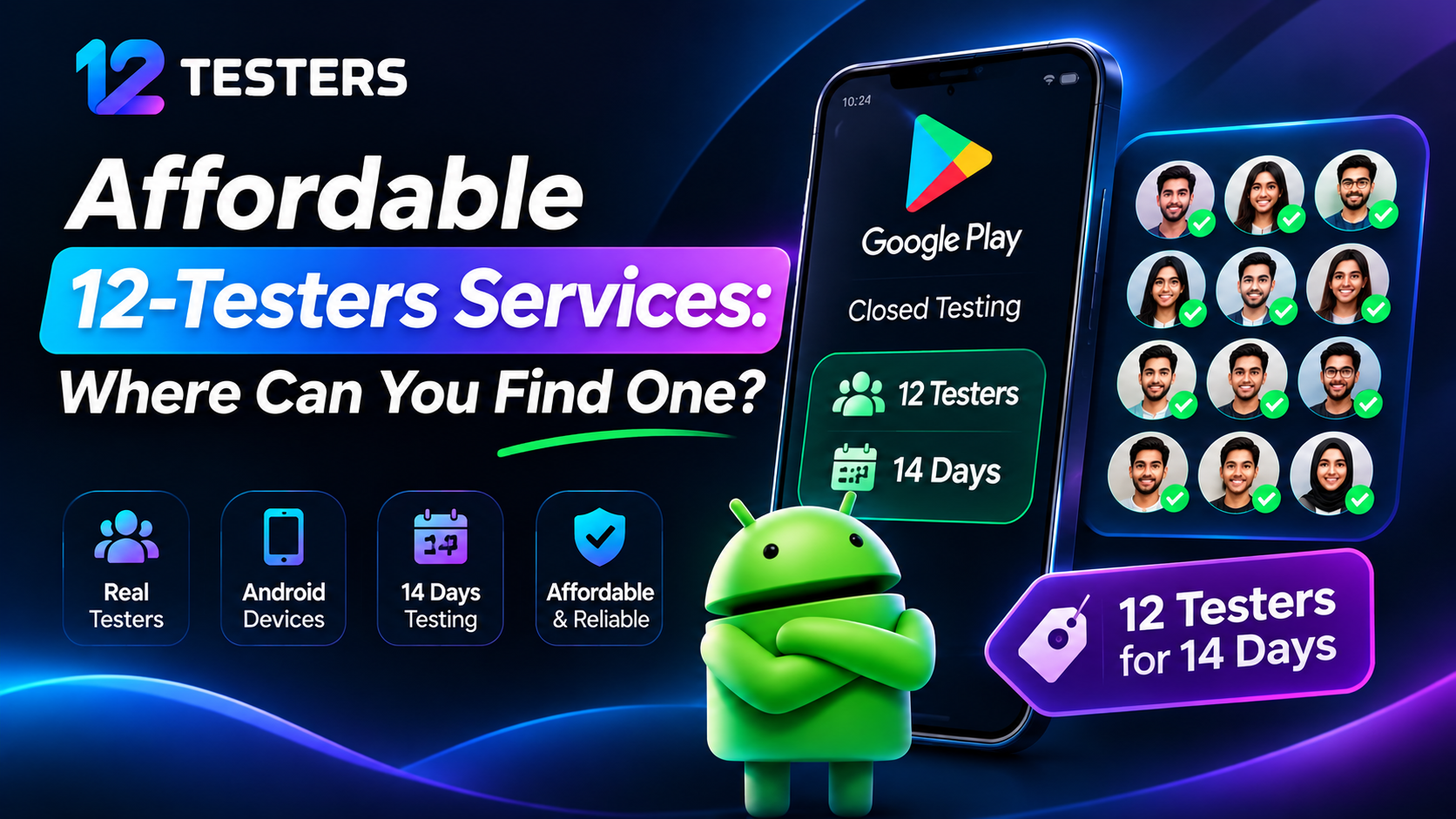
Affordable 12-Tester Services: Where Can You Find One?
Are you an Android developer? Do you need an affordable 12-tester service for Google Play closed testing? Many developers ask this question. Finding enough testers is hard. It is even harder when you launch your first app or work alone.
Google Play has a testing rule for some personal developer accounts. If you made your personal account after November 13, 2023, you must run a closed test first. At least 12 testers must stay opted in for 14 days in a row. Only then can you apply for production access.
Finding testers is just one part of the job. You also need to organize them. You need to talk to them. You need to collect feedback. You also need to prepare your application for Google.
This guide will help you. It shows where to find 12-tester services. It explains what to look for. It shows you how to compare providers. It also helps you avoid weak or unreliable services.
Why Do Android Developers Need Twelve Tester?
Google wants new developers to test their apps with real people before launch. This step helps Google check that apps work well. It also helps developers find problems early.
The rule includes these parts:
You need at least 12 testers.
Each tester must stay opted in for at least 14 days in a row.
You must use a closed testing track in the Google Play Console.
You must apply for production access after the test ends.
The rule applies to certain new personal developer accounts. Check your own account in the Google Play Console to see if it applies to you. You can also read Google's official App Testing Requirements page.
Note that 12 testers alone do not guarantee success. Google also looks at how testers use your app. Google also checks whether your app is ready for production. So you need real testers who open the app and use it.
What Does "Continuously Opted In" Mean?
Many developers get confused by this part. Here is a simple way to think about it.
A tester joins your closed test. That tester must stay in the test for 14 days without a break. If the tester leaves and joins again later, the 14-day count does not stay continuous.
This matters a lot. If one tester leaves on day 10, you may have only 11 testers. You then need to fix the problem. You may need to add a new tester and keep the count at 12 or more.
That is why many developers ask for a few extra testers. It gives them a safety margin. Always ask your provider how they handle testers who leave.
Where Can You Find Affordable 12-Tester Services?
You have several ways to find testers. The best choice depends on your budget, your time, and your needs. Let us look at the most common options.
1. Dedicated Google Play Closed Testing Services
Some companies focus only on Google Play closed testing. They help Android developers find and organize testers.
These services may offer:
A 12-tester package.
A 14-day testing plan.
Real Android tester participation.
Help with opt-in steps.
Testing support.
Updates on progress.
The main benefit is convenience. You do not need to find 12 people yourself. The provider already has a network of testers. That saves you time.
Be careful, though. Do not assume every provider offers the same things. Some give daily reports. Some do not. Some include bug reports. Some do not. Some replace testers who leave. Some do not. Ask exactly what the package includes before you pay.
A dedicated service works well for developers who want a clear and organized process.
2. Android Developer Communities
Online communities are another good place to look. Many developers like to test each other's apps.
You can look in these places:
Android developer communities.
Flutter developer groups.
React Native communities.
Mobile app development forums.
Beta testing communities.
Social media groups for app makers.
Community testing has a big benefit. You can find people who like your type of app. Say you build a productivity app. You can ask people who use productivity tools every day. These people often give better feedback.
Community testers may also share useful ideas. They may point out bugs you missed. They may suggest better screens or features.
There is one downside. This path takes time. You must find 12 people. You must explain the steps. You must remind them to join and stay in the test. For busy developers, this can be a lot of work.
3. Friends, Family, and Professional Networks
Your own network can also help. You already know these people. They may say yes faster than strangers.
You can ask:
Friends.
Family members.
Coworkers.
Classmates.
Other developers.
People who may find your app useful.
These testers are easy to reach. You can message them any time. You can ask them questions. You can remind them to keep the app installed.
But be careful. Make sure each person understands the job. They must have an Android device. They must join the test with the right Google account. They must stay opted in for all 14 days. Do not choose people who may forget or lose interest.
Google also suggests that developers use their personal and professional networks to find testers.
4. Social Media and Developer Groups
Social media can help you reach people outside your own circle. Facebook groups, developer forums, and professional networks all work well.
Write a clear invitation post. Include these points:
The name of your app.
What the app does.
Who may like it.
What kind of feedback you need.
How people can join the test.
Keep the post honest. Do not make false promises. Do not offer rewards you cannot give. People trust clear and honest posts more.
Also, read each group's rules before you post. Some groups do not allow app promotion. Follow the rules to avoid trouble.
5. Affordable Testing Packages
You may not have time to find testers yourself. In that case, compare testing packages.
Some providers sell fixed packages. These packages may differ in:
The number of testers.
The length of the test.
The range of devices.
The level of support.
The amount of coordination.
Extra reports.
Do not pick a package only because it has the lowest price. Look at what you actually get. A cheap package with poor support can cost you more time later.
What Should You Look for in an Affordable 12-Testers Service?
Not all testing services are the same. A low price looks nice. But you must understand what you are buying. Here are seven things to check.
1. Real Android Testers
Ask if the provider uses real people with real Android devices. Ask how they find their testers. Ask if testers use the app in a meaningful way.
A good service focuses on real participation. It does not just collect opt-ins. It does not use fake activity. Real use gives you real feedback. It also fits what Google wants to see.
2. A Clear 14-Day Process
The provider should explain how the 14 days will work. Ask these questions:
When does testing start?
How do testers join the closed testing track?
How does the provider track participation?
What happens if a tester leaves?
How does the provider tell you about delays?
Remember the rule. For accounts that must follow it, at least 12 testers must stay opted in for the full 14 days. A good provider knows this rule well.
3. Clear Pricing
The provider should state the price in plain words. It should also list what the price includes.
Check whether the price covers:
12 testers.
The full testing period.
Tester coordination.
Customer support.
Progress updates.
Any extra services.
Watch out for hidden fees. Watch out for vague package descriptions. If the provider cannot explain the cost, look somewhere else.
4. Good Communication and Support
Testing takes 14 days. Problems can pop up at any time. You need a provider who answers questions fast.
Before you buy, test the support team. Send a short question. See how quickly they reply. See if the answer is clear. A good provider explains the steps, answers your questions, and warns you early about any problem.
5. Useful Feedback
Testing should show you how your app works for real users. Ask if the package includes feedback or reports.
Good feedback may cover:
Navigation problems.
Broken features.
Hard-to-use screens.
Device problems.
Slow performance.
Remember this point. A provider should only promise reports if the package truly includes them. Do not buy based on a promise that the provider does not keep.
6. Customer Reviews and Reputation
Check what past customers say. Look for comments about:
Communication.
On-time delivery.
Tester activity.
Support quality.
Fair pricing.
The overall experience.
Do not trust only the reviews on the provider's own website. Those pages often show only good comments. Look for independent reviews on other sites. Ask in developer groups. Real feedback from other developers helps you decide.
7. Honest Promises
Be careful with any provider that guarantees Google Play production access. No outside company controls that decision. Only Google decides.
A trustworthy provider tells you what it can do. It also tells you what it cannot do. That honesty is a good sign.
How Much Does an Affordable 12-Testers Service Cost?
Prices change from one provider to another. The price depends on what the package includes.
Some packages only find testers and organize them. Others add more support and reports. A bigger package usually costs more.
Use the list below when you compare prices.
What to compare | What to check |
|---|---|
Number of testers | Does the package include 12 testers? |
Length of test | Does it cover the full 14 days? |
Devices | Which Android devices do testers use? |
Participation | How does the provider encourage real use? |
Support | Is customer support included? |
Reports | Does the package include feedback reports? |
Refunds | What happens if the provider cannot deliver? |
The cheapest package is not always the best one. Look for a good balance. You want a fair price, clear details, and solid service.
Affordable 12-Testers Service: Why Choose 12Testers?
Do you want an organized Google Play closed testing service? 12Testers can help. The company helps Android developers run closed tests with a structured 12-testers, 14-day service.
The service fits many types of developers:
Independent Android developers.
Flutter developers.
React Native developers.
App startups.
Mobile app agencies.
First-time Google Play publishers.
What You Can Expect
12-Testers Package. This service helps you organize 12 testers for your Google Play closed test.
14-Day Testing Period. The test follows a clear timeline built around the 14-day rule.
Android Tester Participation. The service uses Android users and devices to run the test.
Testing Support. The team helps with the testing process and answers service questions.
The team at 12testers.co believes in three things. First, communication should be clear. Second, service details should be open. Third, promises should be realistic. These ideas matter when you choose any testing provider.
Are you preparing your first Android app? Do you need help with another testing round? Visit the website to see the service.
Get started here: https://12testers.co/
How to Get Started With a 12-Testers Service
You have chosen a provider. What comes next? You need to prepare your app and your closed test. Here is a simple overview.
Step 1: Prepare Your Android App
Make sure your app is ready. Check the main features. Check the menus and screens. Check the login system. Test the key functions yourself first. Fix any big bugs before testers see them.
Step 2: Set Up Google Play Closed Testing
Open the Google Play Console. Create your closed testing track. Prepare the way testers will get access. Write short and clear testing instructions. Good instructions save time and prevent mistakes.
Step 3: Share the Testing Information
Give the needed details to your testers or your provider. Follow the provider's instructions. Do not share extra account passwords. Do not share private data. Share only what the test needs.
Step 4: Start Testing
Testers join the closed test through the opt-in steps. Ask them to open the app and use it. Ask for feedback during the 14 days. Real use gives you better results.
Step 5: Watch Participation
Track how testers take part. Fix problems quickly. If you need to follow the Google rule, keep at least 12 testers opted in for the full period. Check the count often. Do not wait until day 14 to find a problem.
Step 6: Read Feedback and Prepare for Production
Read all the feedback you collected. Fix the important issues. Improve your app. Then prepare honest and accurate answers for Google's production access form.
Remember this key point. Finishing the 14 days does not guarantee production access. Google reviews each application on its own.
Common Mistakes to Avoid
Many developers make the same errors. You can avoid them with a little care.
Waiting too long. Start your test early. Delays cost you time.
Using too few testers. Add a few extra testers as a safety margin.
Ignoring feedback. Read what testers say. Fix the main problems.
Choosing only on price. A very cheap service may give poor results.
Trusting big promises. No one can guarantee Google's approval.
Sharing private data. Never give out passwords or sensitive details.
Frequently Asked Questions (FAQ)
1. Where can I find affordable 12-tester services?
You can look at dedicated Google Play closed testing providers. You can also try Android developer communities, social media groups, and testing networks. Compare their prices, processes, support, and what each package includes. Then choose the one that fits your needs.
2. How many testers do I need for Google Play closed testing?
Some personal developer accounts must meet a testing rule. If your account was created after November 13, 2023, Google asks for at least 12 testers. They must stay opted in for at least 14 consecutive days. You must finish this before you apply for production access.
3. Can I get 12 testers for 14 days at a low price?
Yes. Some providers sell fixed-price packages for 12 testers and a 14-day test. Compare the services and support in each package before you buy.
4. Are paid Google Play closed testing services allowed?
Using a service to help organize testers is not the same as faking test activity. You must make sure the participation is real. You must also make sure your test follows Google's rules. Paying for a service does not guarantee production access.
5. Do I need 12 testers every day for 14 days?
Yes, for eligible personal accounts. At least 12 testers must stay opted in for the 14 days before you apply. If a tester leaves and joins again, the period is not continuous for that tester.
6. Can a testing provider guarantee Google Play production access?
No. Google reviews each application on its own. A provider can help you organize the test. A provider cannot promise that Google will say yes.
7. What should I prepare before I start closed testing?
Prepare a working app. Set up your closed testing track. Collect your tester access details. Write clear testing instructions. Pick a way to collect feedback.
8. Is 12Testers good for new Android developers?
12Testers focuses on helping Android developers run Google Play closed tests. New developers can visit 12testers.co. They can read about the service and decide if it fits their needs.
A lower price only helps if the service meets what Google requires, so review the rules before you order. If you’d like to see how it compares with other top options, read our best-service roundup. And if you’d rather not manage testers yourself, find out if you need hands-on help with your Play Console setup.
Final Thoughts
Finding an affordable 12-testers service does not need to be hard. You only need to know what to look for.
You have many choices. You can ask friends and family. You can join developer communities. You can post in social media groups. You can also hire a dedicated testing provider.
The number of testers and the price are not the only things that matter. Real participation matters. Clear communication matters. Useful feedback matters. Honest service details matter too.
Take your time. Compare your options. Ask questions. Then pick a provider that understands the Google Play closed testing process.
Do you need help with your next testing round? Explore 12Testers. Visit 12testers.co to learn more about the 12-testers, 14-day Google Play closed testing service.